

You will not be allowed to compare more than 4 products at a time
View compareApp Usage Instructions
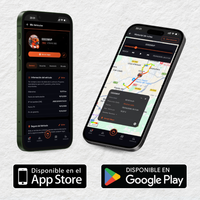
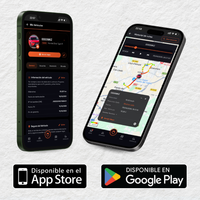
Download our LOBBO app

iOS

Android
LOBBO APP
Create user - Forgot password

The first step is to register with your email and a password you'll remember.

Forgot your password?

You can request a link to reset your password in "Reset password"
LOBBO APP
Trip history
You'll be able to view your trips up to 30 days back, including where you were at each moment and the speed.


LOBBO APP
Geofences
You can create a virtual area so the app notifies you whenever the vehicle leaves it. (Example: parking)
Create quick geofence


Create manual geofence


LOBBO APP
LOBBO notifications
Notification settings
The most important alerts are switched on by default in your account.
Here is a quick overview:
There are two kinds of notification: server-side ones and "alarms" that come straight from the device.
The most important notifications are:
- Ignition on (key contact).
- Geofence exit (your vehicle leaves a zone you created).
- Vibration alarm (someone touches or moves the vehicle).
- Battery disconnection alarm (the GPS or vehicle battery has been disconnected).
- Push or lift alarm (someone pushes the vehicle hard or tries to lift it into a van). We also receive this alert.
- Jamming or antenna-cut alarm (sudden signal loss or jamming attempt).
There are 5 alert channels:
- App: push notification on your phone.
- Web: alert on the browser panel.
- Email: message to your inbox.
- SMS: only for the push or lift alarm.
- Command: triggers the LOBBO siren.
LOBBO APP
Delete or disable notification
Open the ︙ menu to edit or delete the alarm.
To pause an alert, untick "All devices": the notification stays off until you tick the box again.


LOBBO APP
Immobilizer and alarm
Trigger the power cut-off and the siren from the app.
Both are triggered by sending a command.
The device must have signal coverage.
If the command is not received, the device may be in sleep mode. To wake it up: move the vehicle to trigger vibration or turn the ignition key.
If you run into any issue, write to support.

